I started a storytelling channel, and my Mac does the narrating
One-minute animated stories about places in the news. The voice runs on my laptop, the art comes from ChatGPT, and the motion graphics are a Python script. Two episodes in, here's how it works.
The day after I built this website, I wanted to try something completely different: short videos. Not me talking to a camera, but little animated stories. Every time a place ends up in the news, there's usually a much older, much stranger story behind it. I wanted to tell that story in about a minute.
The channel is called Pinned, as in a pin on a map. It's @pinned_stories on Instagram and YouTube. Like last time, I built it with Claude Code as my partner: I picked the stories and made the calls, and it researched, wrote, drove the tools and did the fiddly parts.
The idea in one sentence
Painted scenes that slowly move, a warm narrator, captions that light up word by word, and real facts, about a place everyone's talking about this week. Here's episode 1, about a sea arch in Hawaiʻi that stood for about 550 years and then collapsed:
How one episode gets made
- The story. Claude searches this week's news for places that are trending and a bit controversial, and pitches me three or four, each with a hook. I pick one, and it checks the facts against at least two sources.
- The script. About 160 words: a hook, "welcome to…", five short beats with real numbers, and a question at the end so people comment.
- The voice. This is my favourite part. It's Qwen3-TTS, an open text-to-speech model, running locally on my Mac through Apple's MLX. First I described the narrator in words ("a charming man with a warm, friendly tone"). Then I saved one good take and now clone it for every episode, so the channel always has the same voice. No subscription, nothing leaves the laptop.
- The captions. Whisper listens to the finished voice and gives every word a timestamp. Then the script fixes its spelling, because Whisper doesn't know how to spell Kīlauea.
- The art. I open ChatGPT in the browser built into the Claude app, and Claude writes one prompt per story beat in a fixed style: painterly, cinematic, no text. Seven images per episode.
- The motion. A Python script turns each still into slow camera moves, adds pins, counters, quote cards, embers or rain, the captions and a branded end card, and hands 1080×1920 frames to ffmpeg.
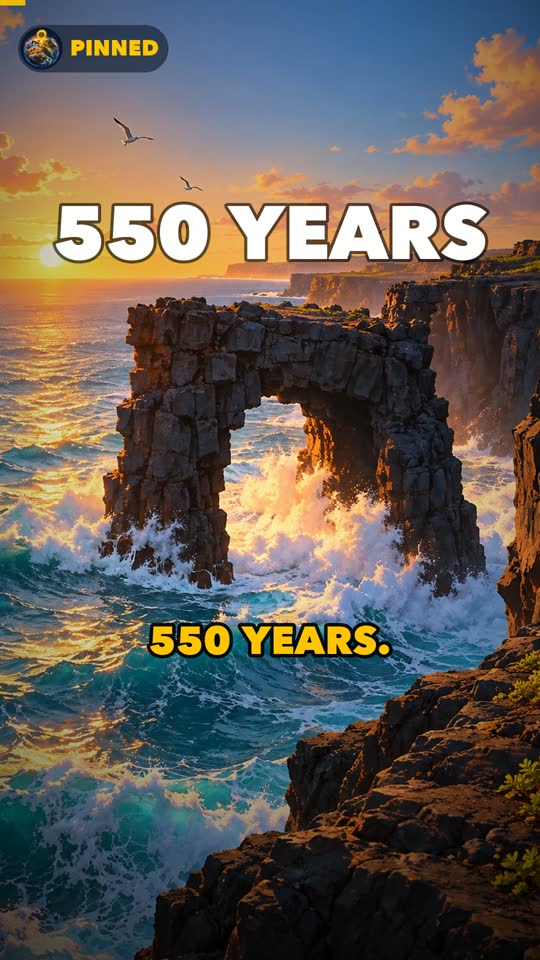
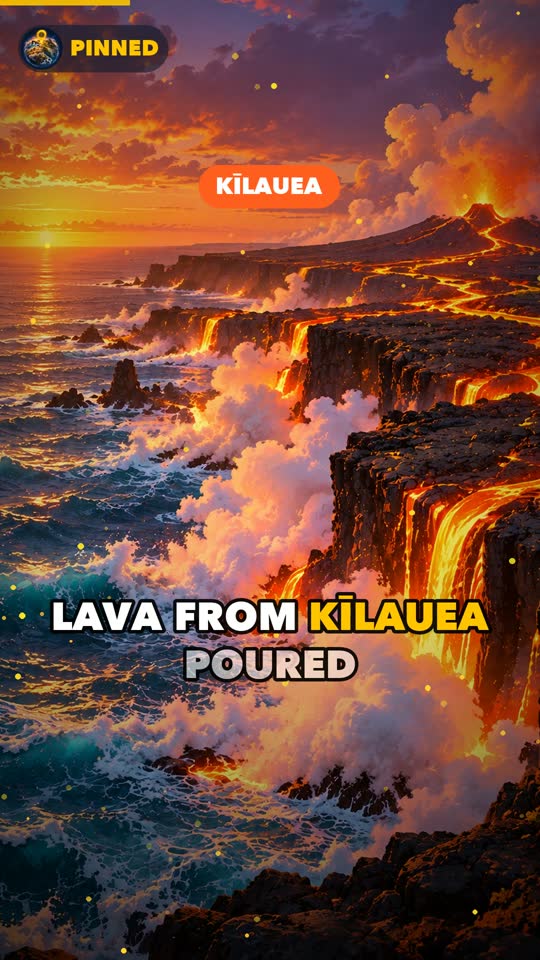
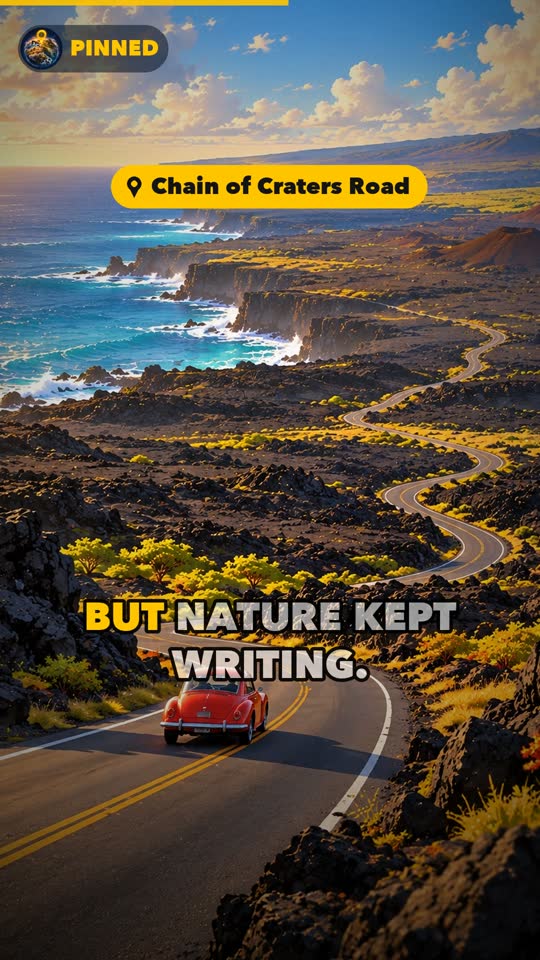
What I had to correct along the way
- I choose the story. For the first episode, Claude picked the topic and went straight to making it. It was a good story, but I want to decide what the channel talks about. Now every episode starts with a short list of options and waits for me.
- Captions hiding behind buttons. On a phone, Instagram and YouTube put their like and comment buttons and the description over the bottom of the video. Captions placed low look fine on a laptop but get half covered on a phone, so they now sit higher.
- A missing letter. The heavy font I used has no ʻokina, the Hawaiian letter in Hawaiʻi, so the cover showed an empty box. Small thing, very visible. The cover says HAWAII now.
- "This is too basic." That was my reaction to the first profile picture, a flat pin icon. The second try was a painted little planet with a golden pin, in the same style as the videos, and that's the logo now.
- A slightly noisy voice. After the first episode I noticed a faint hiss. We measured it: the cloned voice had a quiet noise floor between words, and loudness normalisation was turning it up. A denoiser and a gentle gate brought the pauses from about −42 dB down to about −66 dB. Every episode gets that cleanup now.
- Posting is my job. Instagram's website blocks scripted uploads, which is honestly fine. Claude writes the caption and hashtags, and I post the Reel myself.
Turning a conversation into a skill
Episode 1 took a whole afternoon of back-and-forth. Before starting episode 2, I asked Claude to package everything we'd learned into a skill: a folder with instructions and scripts that it loads whenever I say "let's make the next one". It holds the workflow, the voice reference, the render engine (now driven by a small JSON file per episode), the cover generator, and all the lessons above, so I don't have to repeat them.
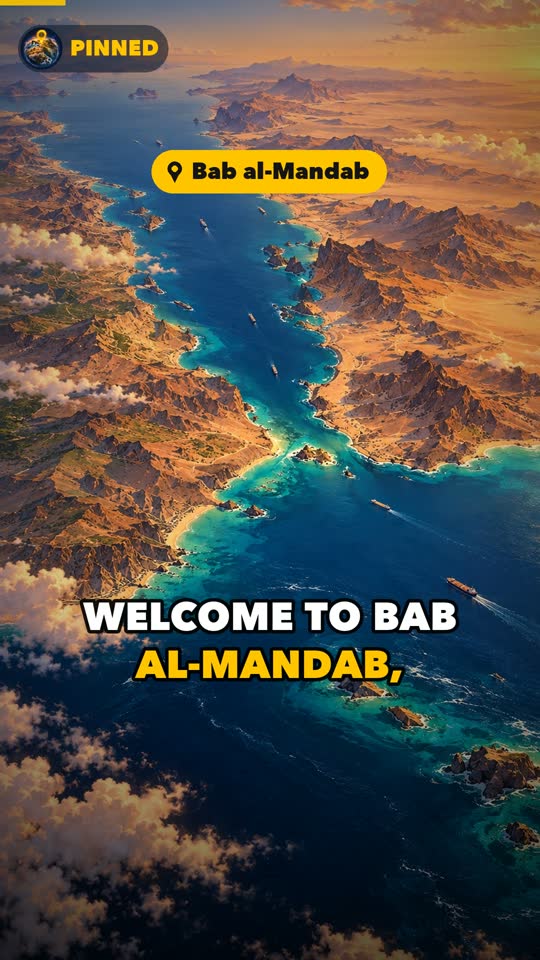
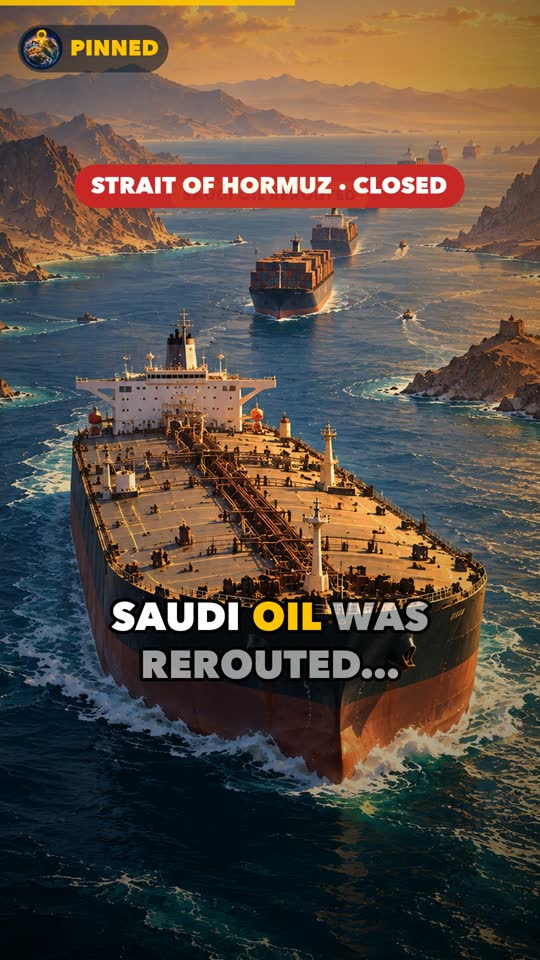
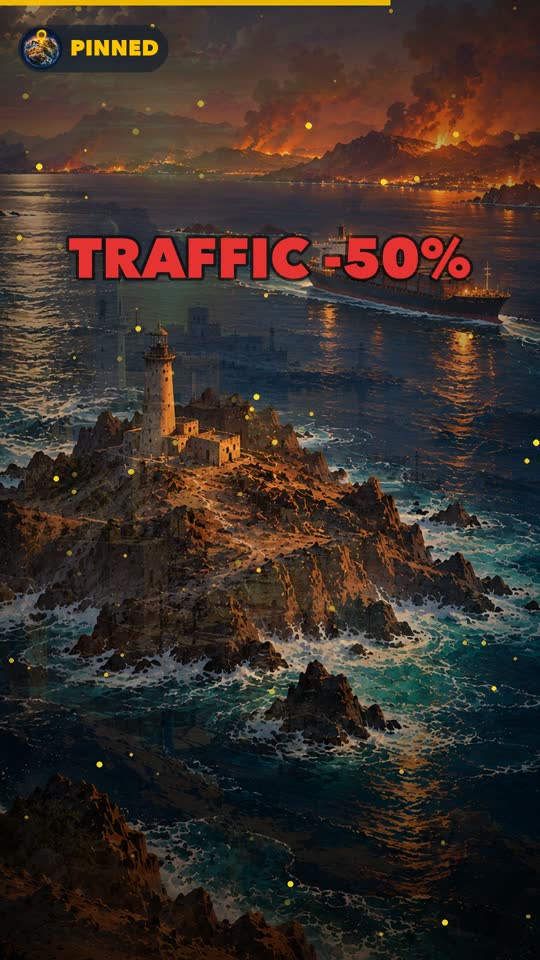
Episode 2 is about Bab al-Mandab, the "Gate of Tears" between Yemen and Africa. In September, Houthi forces took the strait's coastline, and roughly one in ten of the world's traded goods sails through it. With the skill, it went from "let's go for Bab al-Mandab" to a finished video in about an hour. Most of that time was ChatGPT painting.
What I'd tell you if you're trying this
- Keep the human parts human: choosing the story, checking the facts, pressing post.
- Local AI voices are good enough now. Clone one good take and your channel has a consistent voice.
- Check every video on a phone, inside the app. That's where people see it.
- Say clearly that the images are illustrations. It's an animated story, not news footage.
- Once something works, turn it into a skill. The second time should be the easy one.
Halloween is coming, so a spooky place might be next. If there's a place you'd like Pinned to cover, or you just want to tell me what you think, send me an email.