Free
$0
Add your playlist and browse everything: channels, guide, movies, series and favourites.
 Castwave
On air soon
Castwave turns your IPTV subscription into an Apple TV app that feels like it belongs there: live TV with a guide, movies and series with real artwork, and a player that opens almost anything.
Coming soon to the App Store
Programme guide
Channels sorted into Sports, News, Kids and more, a full TV guide for Xtream Codes, and zapping up and down without leaving the player.
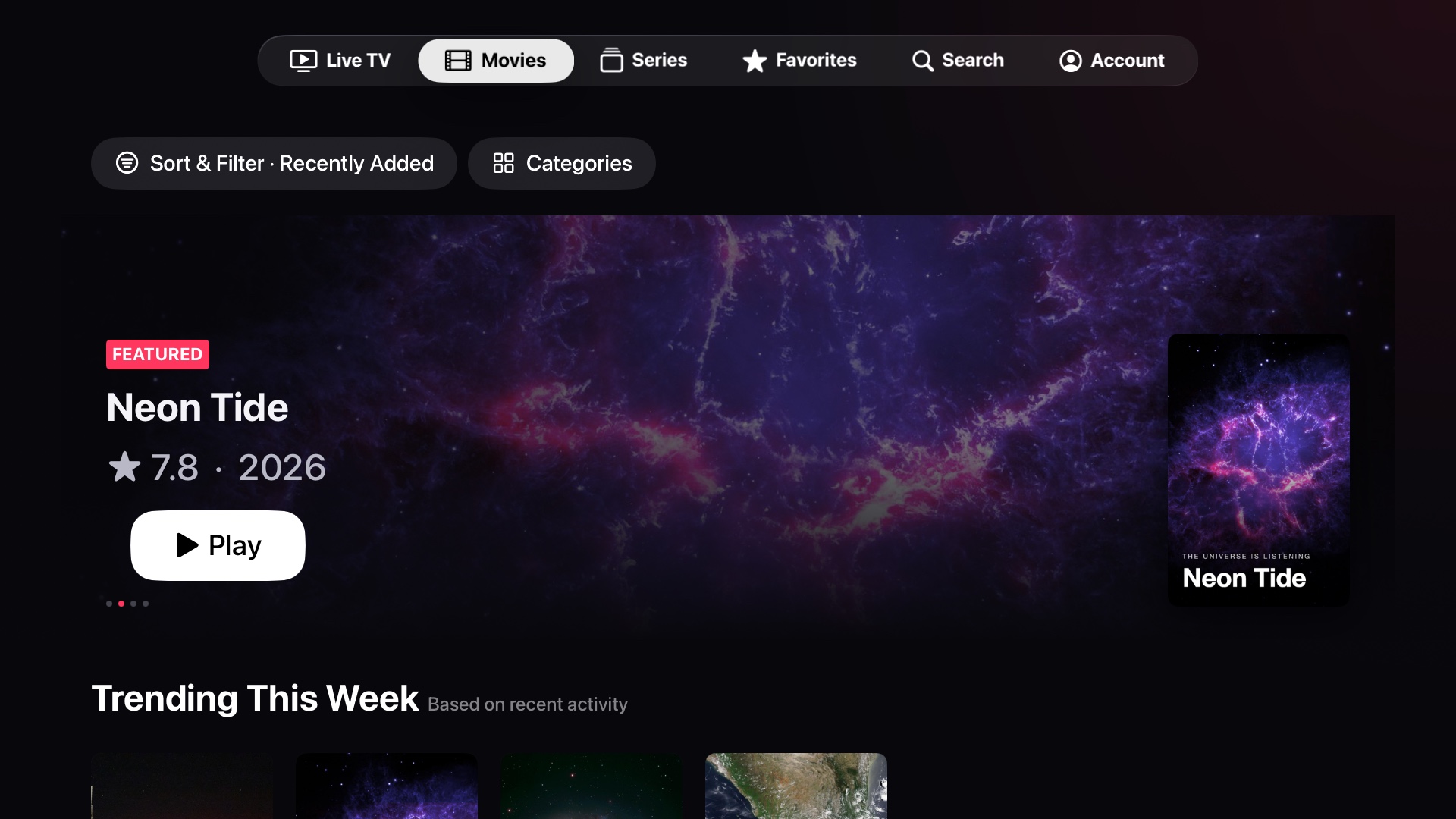
Featured titles, trending rows and real backdrops, with the plot, cast, director and rating one click away. Filter by language, country or year.
Every season and episode with stills and synopses. Stop halfway and Castwave remembers where you were.
Folders for the channels and films you keep coming back to. What you're watching shows up on the Apple TV Home Screen, ready to resume.
Previously on Castwave
Big artwork, focus that always lands where you expect, and Menu always takes you back.
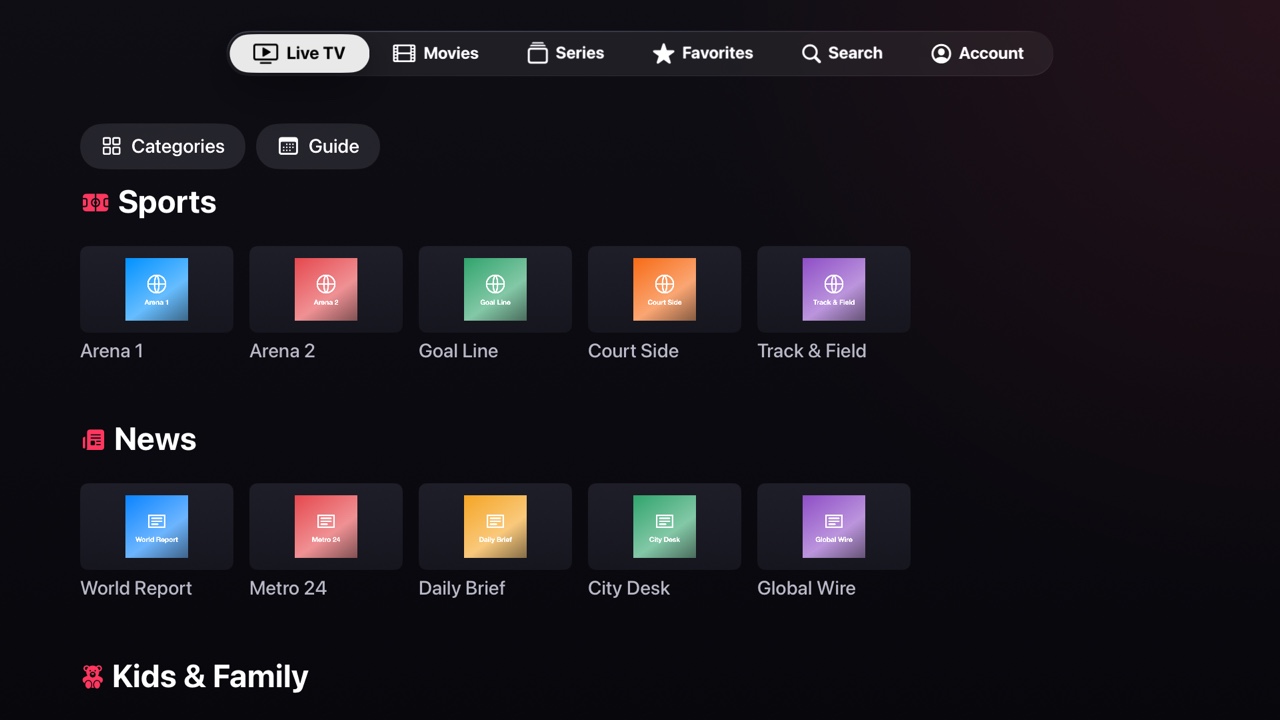
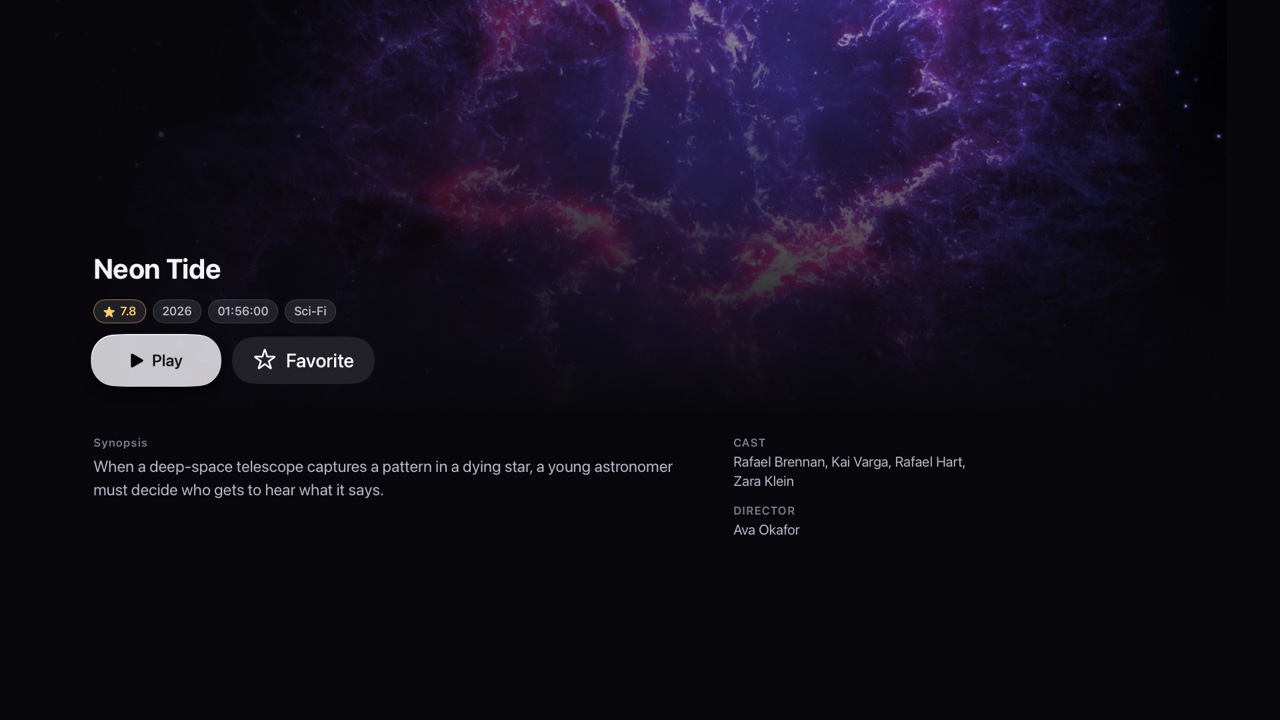
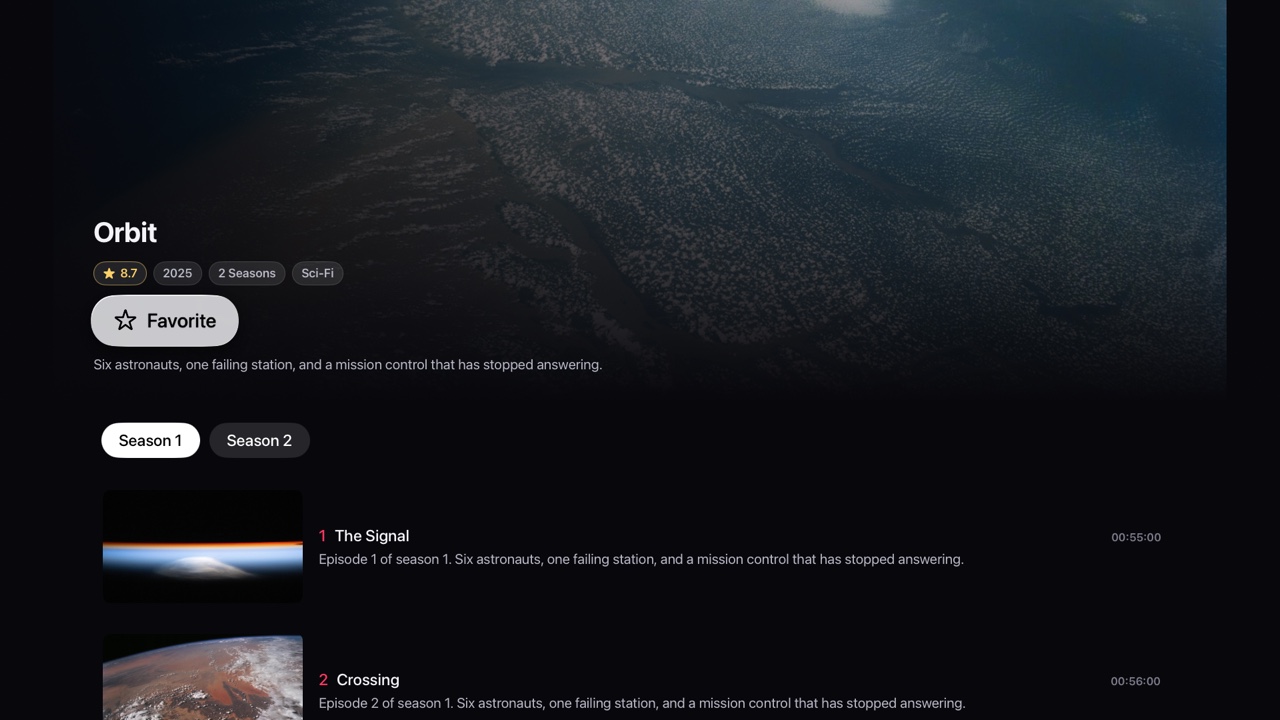
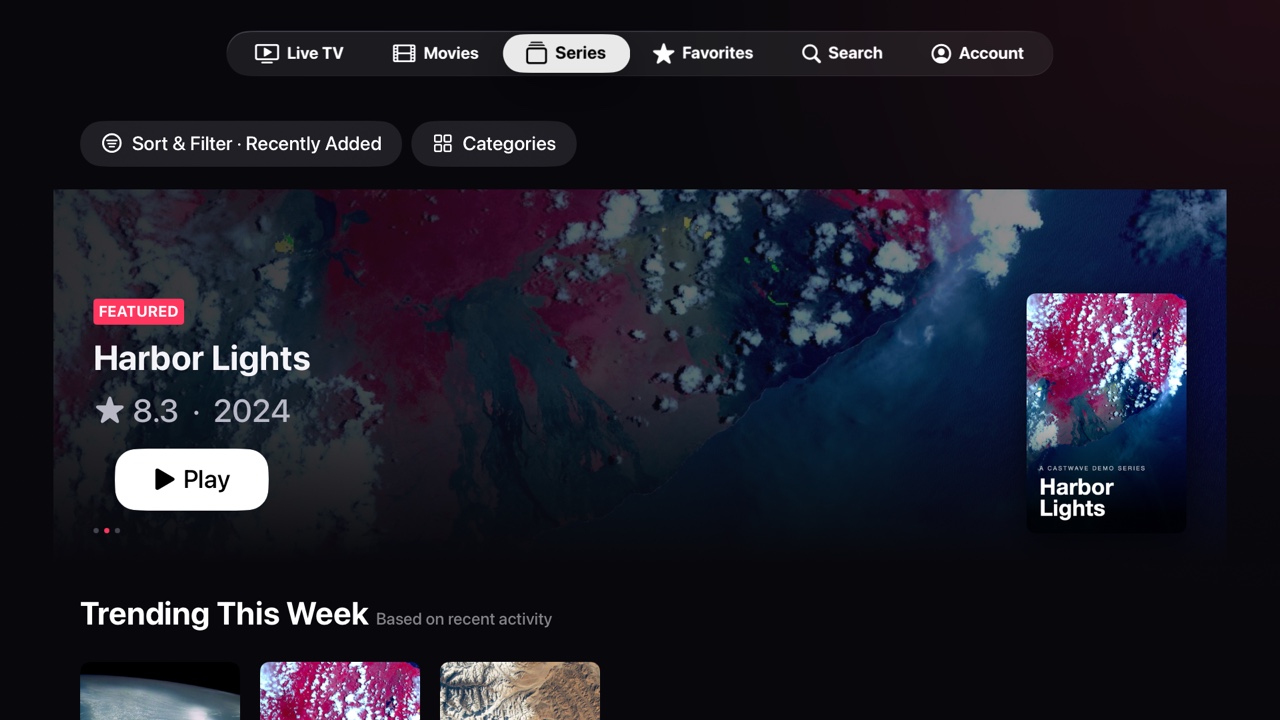
Titles and artwork in these screenshots are a fictional demo playlist with public-domain NASA imagery.
Test card
Apple TV's own player gives up on a lot of what IPTV providers send. Castwave plays it with the open-source VLC engine, so the file your provider has is the file you watch.
Castwave is a player. It doesn't include, host or sell any channels, films or series, and it isn't affiliated with any provider. You add the Xtream Codes login or M3U link you already have, so please only use playlists you're allowed to watch.
Off the record
Subscription
$0
Add your playlist and browse everything: channels, guide, movies, series and favourites.
$19.99 a year
Watch it all. Starts with a 7-day free trial for new subscribers, cancel any time in Settings.
US price. Prices in other countries are set by the App Store.
Viewer questions
Castwave is in final testing and will be submitted to the App Store soon. This page will get an App Store link the day it's live.
No. Castwave only plays a playlist you add from your own IPTV provider, using an Xtream Codes login or an M3U link.
Any Apple TV HD or Apple TV 4K running tvOS 17 or later.
Yes, for Xtream Codes playlists, which carry programme data. Plain M3U links usually don't, so their channels show without a guide.
Yes. Add as many as you like and switch between them in Account.
Castwave is made for Apple TV first. Nothing else is planned yet.
Castwave is coming soon to the App Store on Apple TV.